












Managing Contacts with the WESS Add-in
One of the key benefits of using the WESS Add-in is the ability to use Outlook data to create contacts that will be immediately available within Workbooks. This can save users a great deal of time as all of the information within Outlook can be moved quickly and easily to Workbooks.
The WESS Add-in will look up all People & Sales Leads and show any with a matching email address. This also means If you have multiple Records with the same email address a Contact Card will appear for each Workbooks Record.
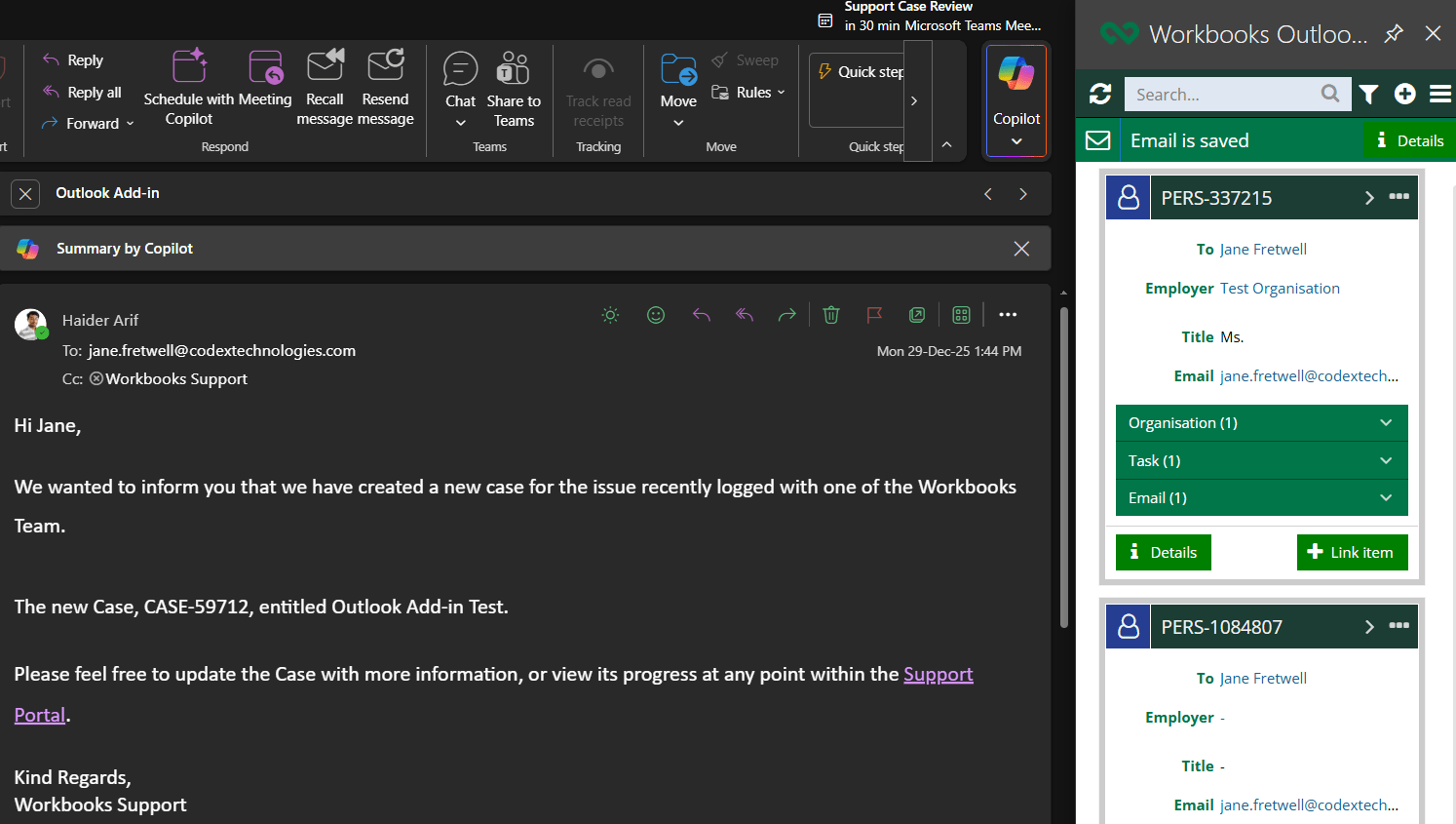
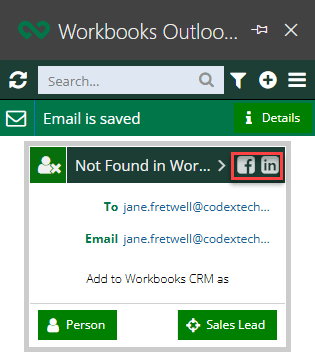
When viewing a Contact Card you will see that you have the option to search Facebook or LinkedIn using the button at the top of the Contact Card. Using either button will perform a search for accounts on the site using the name that has been saved against the Contact Card. You can then choose whether to connect with that person via Facebook or LinkedIn.
Note
Option to search Facebook or LinkedIn using the button at the top of the Contact Card is available for records that do not exist in Workbooks
Viewing Contacts in Workbooks
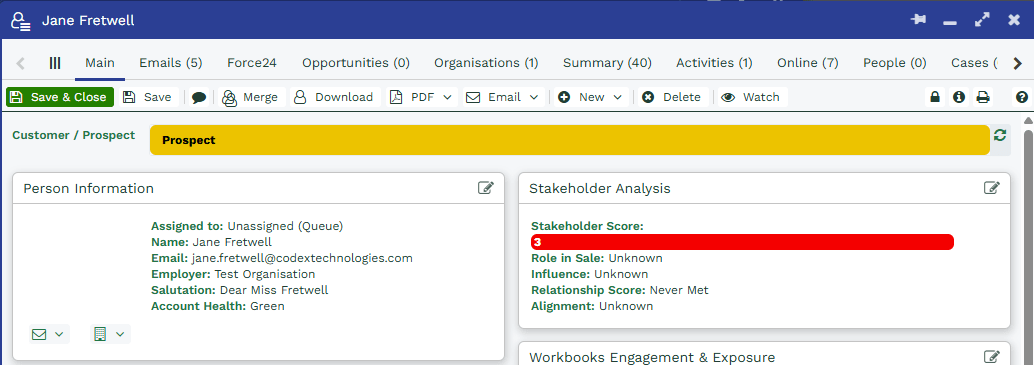
If you want to add more information to the Record for Fields that are not available in the Outlook Add-in select the ellipsis button (…) which will open a new menu providing you with the option to Open the Record in Workbooks.
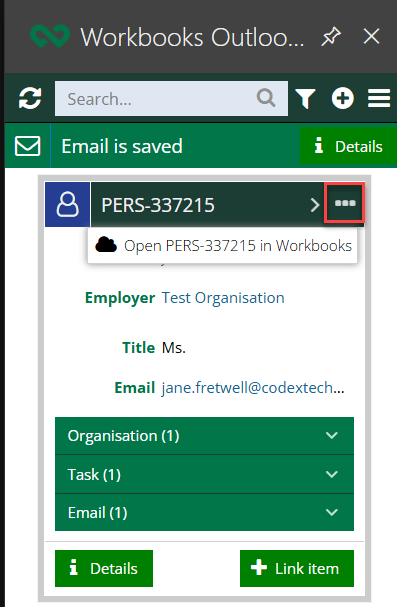
Selecting Open in Workbooks will open the Record in your active Workbooks instance and allow you to make any changes or updates required.
Creating Contacts in Workbooks with the WESS Add-in
When sending or receiving any email within Outlook you will see all of the contact information stored on Contact Cards within the WESS Add-in for every recipient. From here you can see an immediate snapshot of the details held within Workbooks.
If the Add-in is unable to find a Person or Sales Lead using the Email address you will see an empty Contact Card, with the title “Not found in Workbooks”.

Any user with the WESS Add-in will then be able to create this as a Person or Sales Lead Record within Workbooks by using the respective buttons at the bottom of the Contact Card.
Selecting either button will open a new form within the Add-in where you can start entering the details of the contact.
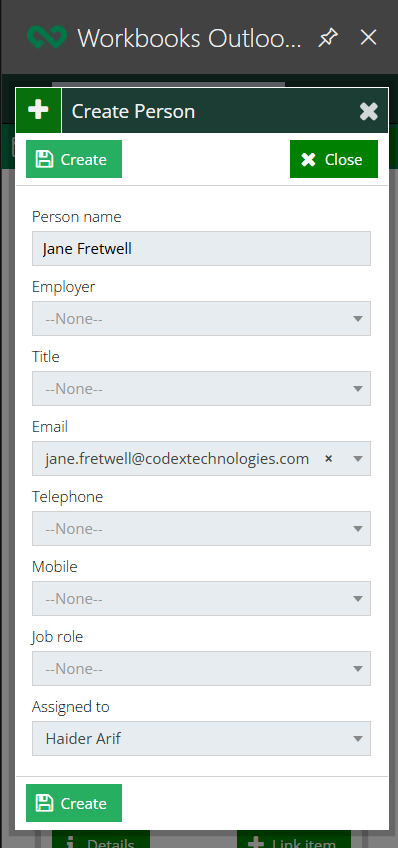
The create Person form allows you to fill in some of the basic information for this contact which then creates a Record within Workbooks.
Once you have filled in all of the details on the Contact Card select the Create button, this will save all of the details and immediately create a new Person within Workbooks. The WESS Add-in will automatically refresh and show the newly created Person’s Contact Card with all of the details populated.
Note
If you have configured any other Fields as mandatory on your Person Record . For this reason we recommend that you do not configure additional fields on the Person Record as mandatory.
Updating Contacts from Outlook
The WESS Add-in provides users with a two-way synchronisation of contact information, meaning that data can be updated in either your Outlook client or Workbooks and will be updated in the other system immediately.
When viewing a Contact Card within the Outlook Add-in you are able to amend the details within the Contact any changes will feedback to Workbooks and update the Person or Lead Record immediately.
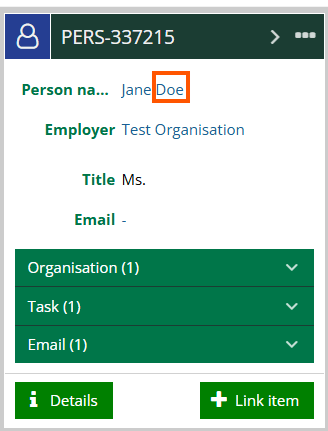
To edit the details on a Contact Card you can select either the contact’s name or the Details button
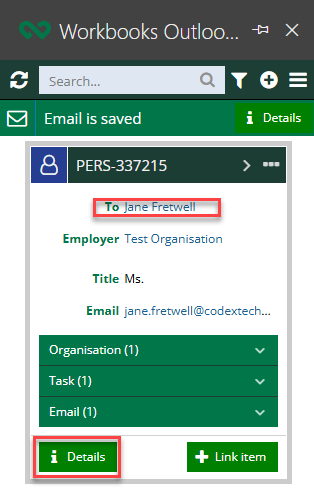
This will open the Contact Card showing you all of the details stored in the fields used by the Add-in. To change the information held in a Field simply select the pencil icon at the end of the field.
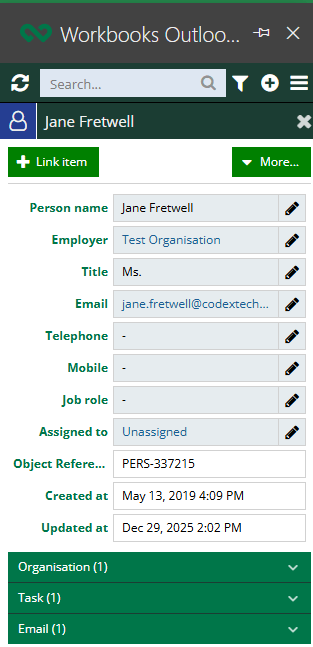
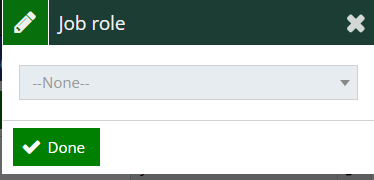
Selecting the pencil icon will open a new dialogue box where you can update what is held in the field already. Once you have made your changes use the Done button to save them to the Contact Card.
Edited Fields will appear in bold orange text allowing you to easily review all of the changes that have been made to a contact before updating the Person Record in Workbooks.

Once saved, the text will return back to its standard font size and colour and these changes will update Records immediately within Workbooks.
Updating Contacts in Workbooks
When a Field is updated in Workbooks that is used by the WESS Add-in by any other user or Process these changes will update the Contact Card in Outlook.