Notifications & Reminders
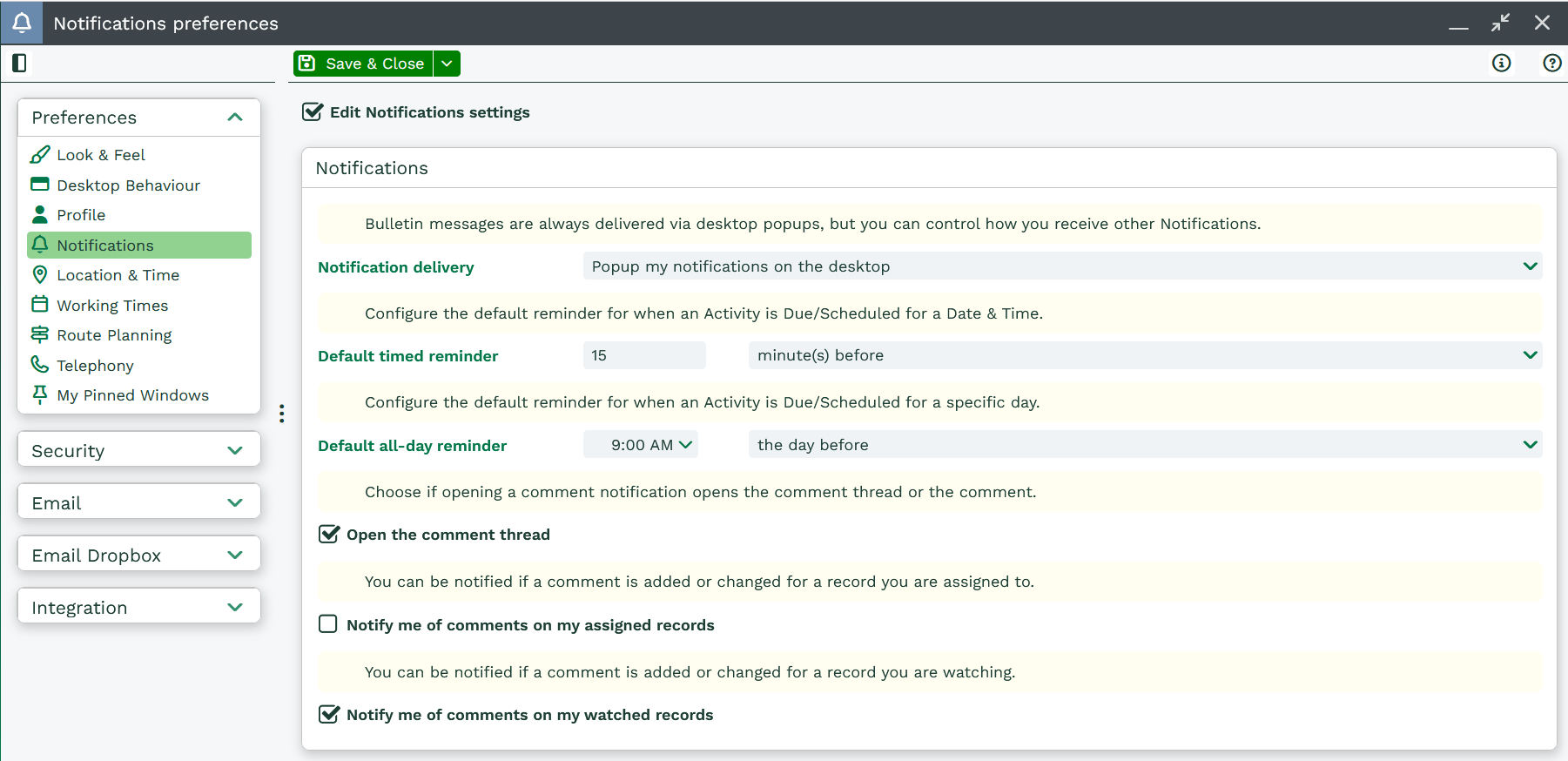
Workbooks can deliver notifications as desktop popups, emails, or a combination of both, and can be further configured as to whether or not you are logged in. To set your preferred method, go to Preferences > ‘Notifications and Reminders’ and select your preference from the dropdown picklist next to ‘Notification delivery preferences’. Possible preferences for notifications are:
- Popup my notifications on the desktop – strictly notifications on Workbooks desktop.
- Send my notifications by email – strictly notifications sent to Users email.
- Popup my notifications on the desktop and send them by email – both of the above.
- Send my notifications by email if I’m not logged into workbooks – if notification on desktop has not been dismissed within 10 minutes of receiving it, an email will be sent to the User.
- Don’t send me any notifications – no notifications on either Workbooks desktop or via email.
If a meeting has been scheduled using a Workbooks Activity, you can set the length of time prior to the meeting that a reminder notification will be sent to you. Similarly, you can specify the default settings for activity reminders. Select your preferences using the dropdown picklists next to ‘Default meeting reminders to occur’ and ‘Default activity reminders to occur at’.
Notifications can also let you know when a job you ran has completed. Some scenarios that can be used to generate notifications are listed below.
- Completion of an import, bulk action, or database clean-up.
- Creation of a field.
- Items being added to a queue.
- Records being assigned to you or records you were assigned to being assigned to someone else.
- Process failures.
- Comments that you are mentioned in or comments that you watch
Notifications for Comments can be configured within this screen. You have the option to choose if Opening a comment notification will open the comment thread, choose whether to be notified of comments on your assigned records or watched records.