Capabilities
Capabilities are like rules which govern the parts of the Workbooks environment a user can access. They are granted to Users depending on their User Group.
Capabilities can be very useful when there are certain teams within companies that need access to information within Workbooks, that other teams shouldn’t. For example, if the HR team are the group that needs access to Cases, due to having sensitive information, and other teams do not, you could create a specific Group for the HR team and all the Capabilities relating to Cases to that one.
If a User belongs to more than one group, they’ll be granted all the Capabilities from all of the groups they belong to. Most Capabilities allow users to Create, View, Modify or Delete records. These are separated out for each record type. For example, for a User to have access to the Sales Leads area in Workbooks they must have the View Sales Leads capability. This allows them to see the Sales Leads Landing Page and all the Sales Leads they have permission to view but wouldn’t allow them to modify (edit) Sales Leads.
If you’re not sure which Capabilities are available or a User can’t complete a task because they don’t seem to have the required Capabilities, a System Admin can find them by navigating to Start > Configuration > Users & Security > User Groups > System Admin > Capabilities. This group contains all available Capabilities, so, you can apply a filter of ‘Capability contains’ and search for a specific word or string relevant to what you’re looking for, as shown in the screenshot below:
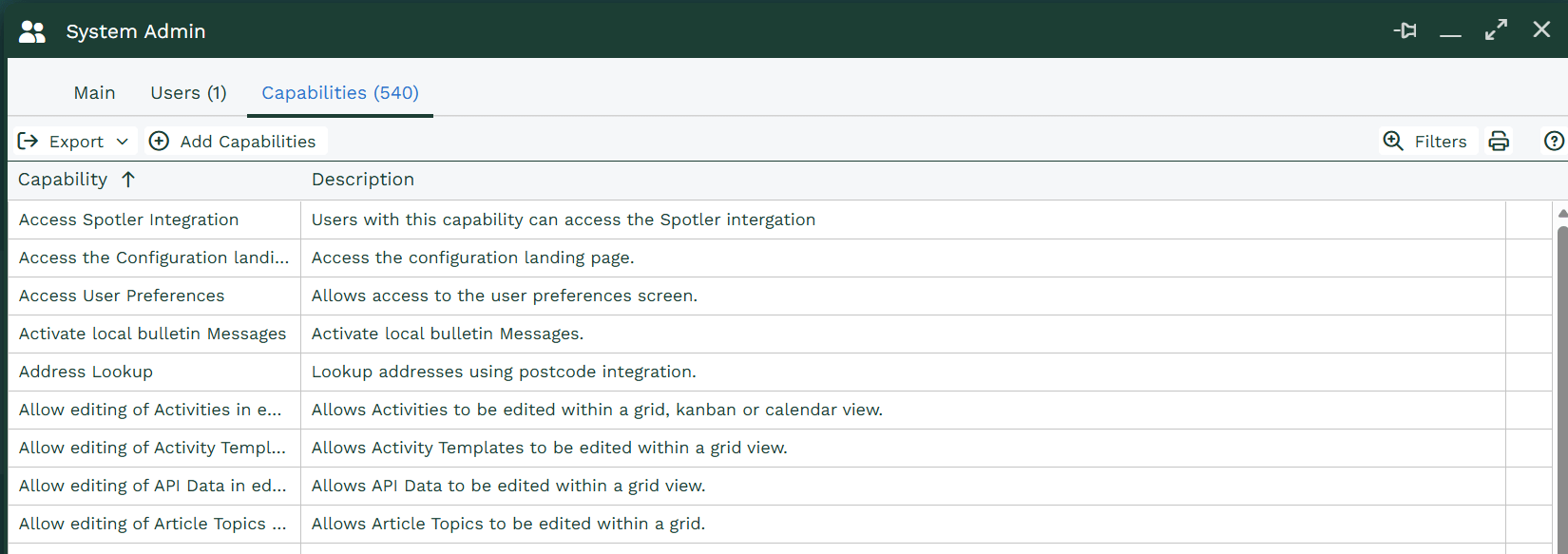
You can then compare the results with a Users capabilities by going to Start > Configuration > Users & Security > Users > Click the User in question > Capabilities. And performing the same filtered search. The same results should appear. If you see ‘There are no rows to display’ then you know the User isn’t a part of a Group that includes those Capabilities.
Adding Capabilities to a Group
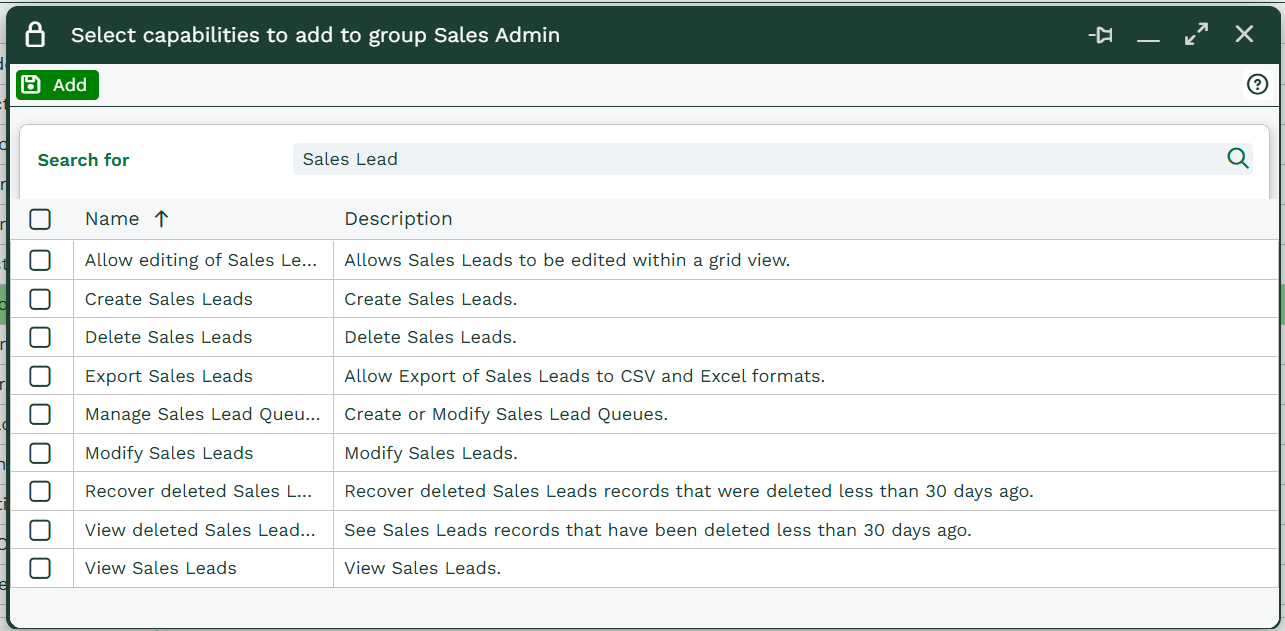
Going into Start > Configuration> Users & Security > User Groups will show all the groups on your account. Clicking into one of these group and opening up the Capabilities tab will then show the option to Add Capabilities.
A new window will open giving you a list of all the Capabilities within Workbooks. Using the search bar within this window allows easier access to the certain Capabilities you would like to add to the group.