Inviting a Person to the Case Portal
How to invite a Person to the Case Portal
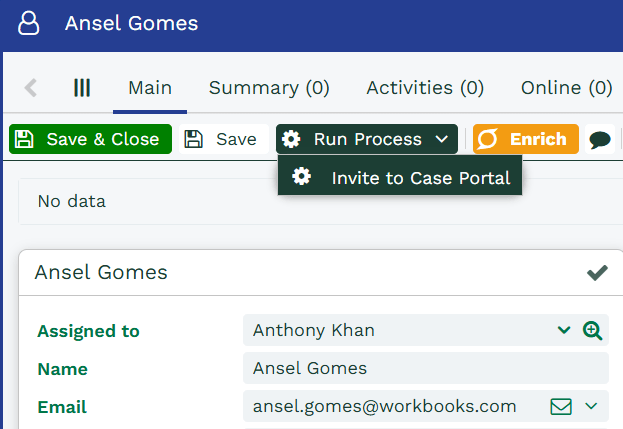
Case Portal users get access to the portal through a Person record stored in Workbooks. Create a Person record for the user you want to invite. At a minimum, you’ll need to give the record a name and a valid email address. From there, click Run Process > Invite to Case Portal.
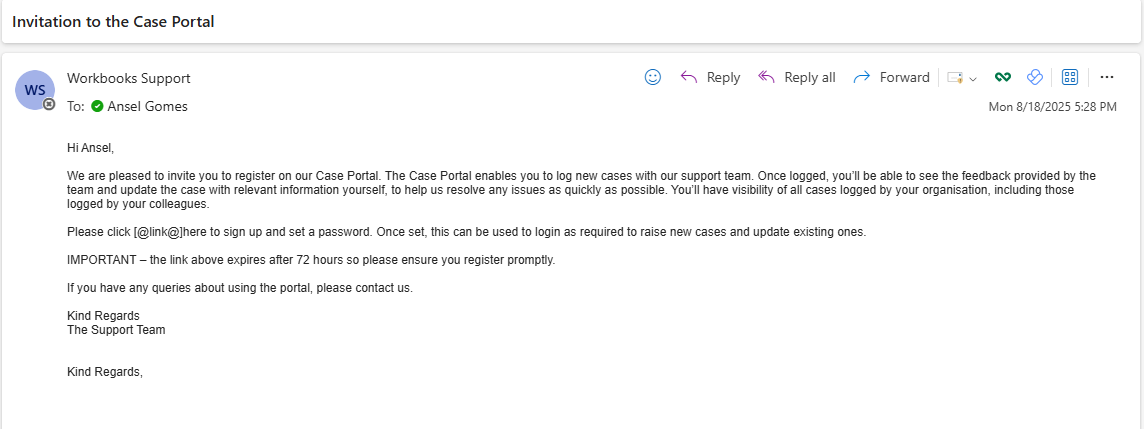
If you’ve configured your email settings correctly, the invitation email should be delivered within a few seconds. It contains a hyperlink to the Case Portal, which you need to click to register. The link is valid for 72 hours, after which a new activation email must be sent.
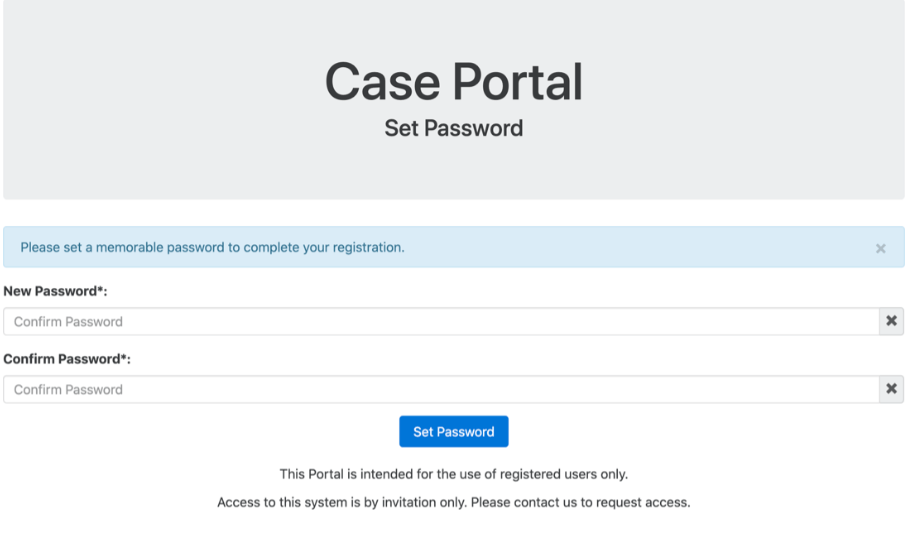
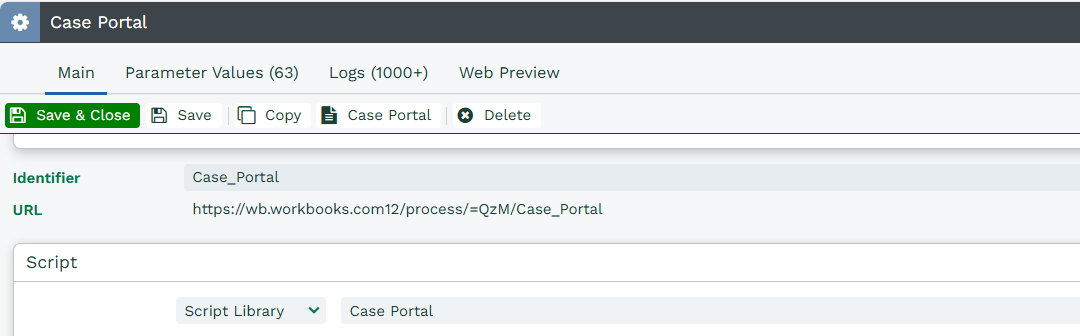
Once you’ve set a password, you can access the portal as often as you like by going to the URL configured during the Case Portal plugin installation. You can find the URL under Configuration > Processes > Web Processes, by opening the Case Portal process.