Inviting a Person to the Case Portal
How to invite a Person to the Case Portal
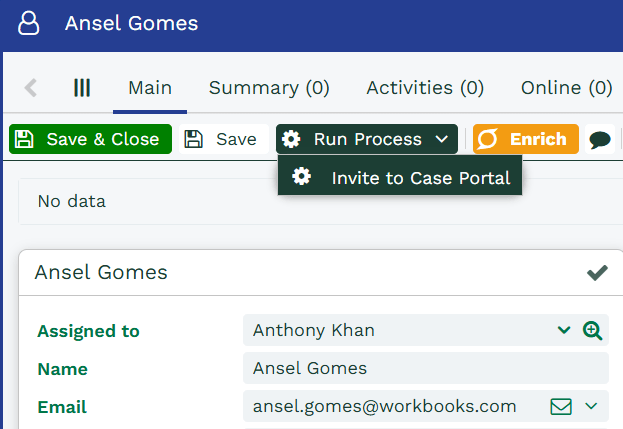
Case Portal users are given access to the portal via a Person record stored in Workbooks. Create a Person record for the user you wish to invite, at a minimum you will need to give the record a name and a valid email address. From here, click Run Process > Invite Person.
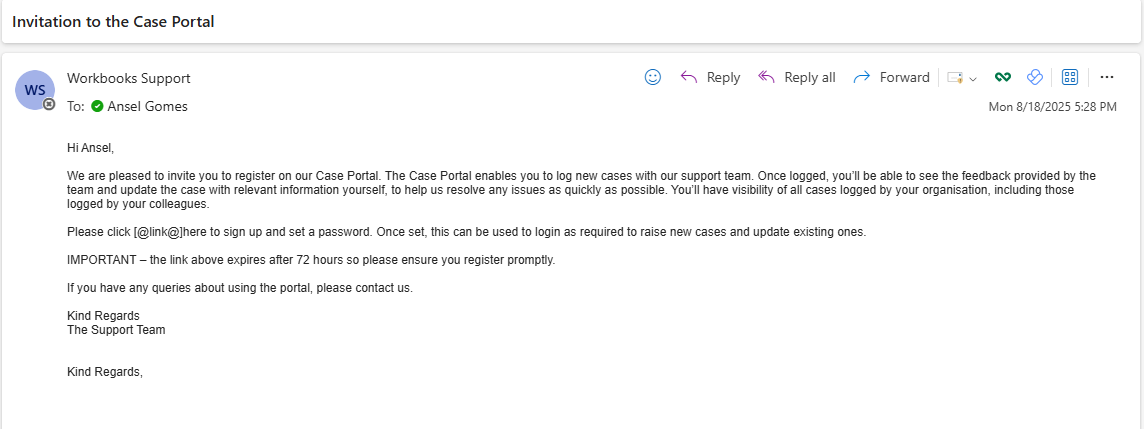
If you have configured your email settings correctly, this email should be delivered within a few seconds. The email will have a hyperlink to the Case Portal which you need to click to register. The link is valid for 72 hours, at which point a new activation email must be sent.
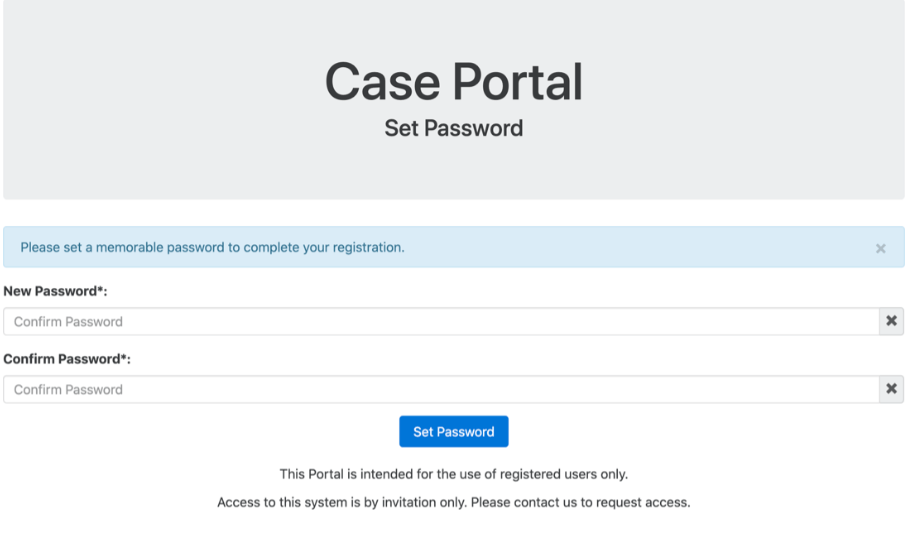
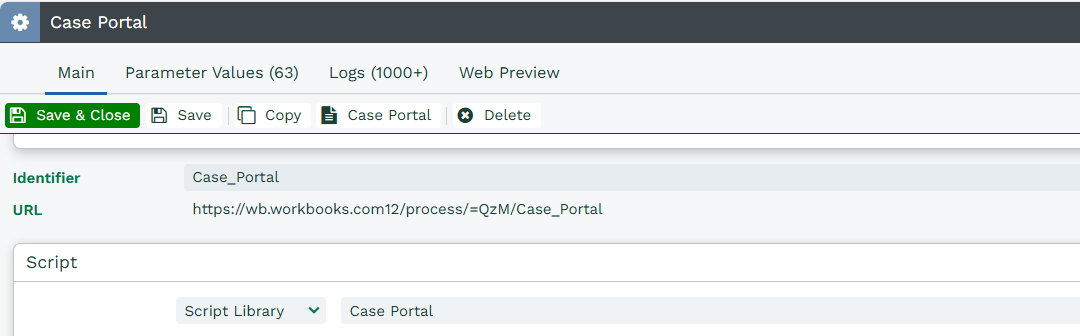
Once you’ve set a password, you can then access as often as you like by navigating to the URL configured during the Case Portal Plugin installation. The URL is available under Configuration > Processes > Web Processes, then Case Portal if needed.