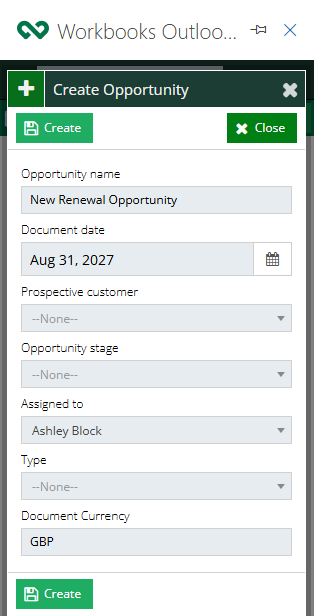
Creating Records with the Mail Sync Add-in
New Records can be created through the Mail Sync Add-in allowing User to create records such as Opportunities, Organisations and Cases directly from Outlook. The Add-in can also be used to pull information directly from the email body to help populate details and save time during creation.
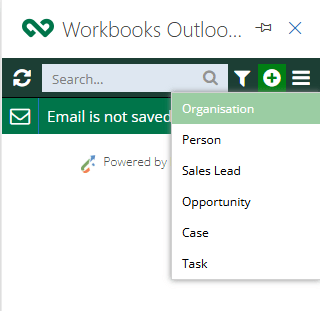
To create a new Record use the plus icon at the top of the Add-in, this will open a new picklist that will give you the selection of record types available.
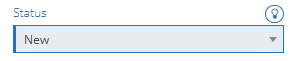
Selecting a Record Type will open a blank Record within the Add-in where you can enter the details as required, some fields such as the Assigned to and Status, will automatically be populated by your username as will any other field that is marked with a light bulb icon.
As with Workbooks, different Record types will have different required fields that need to be populated, these will appear with a red outline and a note saying that the fields are required for easy reference.
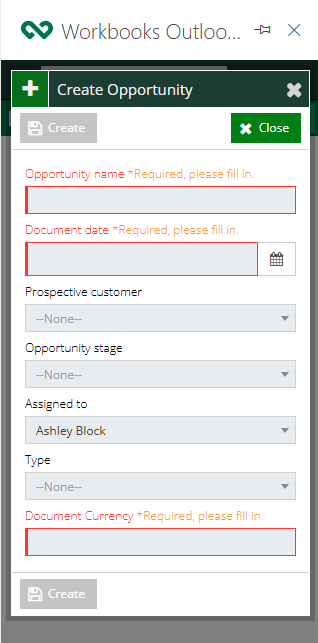
Once all of the required Fields have been populated the Create button at the bottom of the card will become available and will create the record immediately within Workbooks.