- Introduction to Workbooks
Introduction
Training
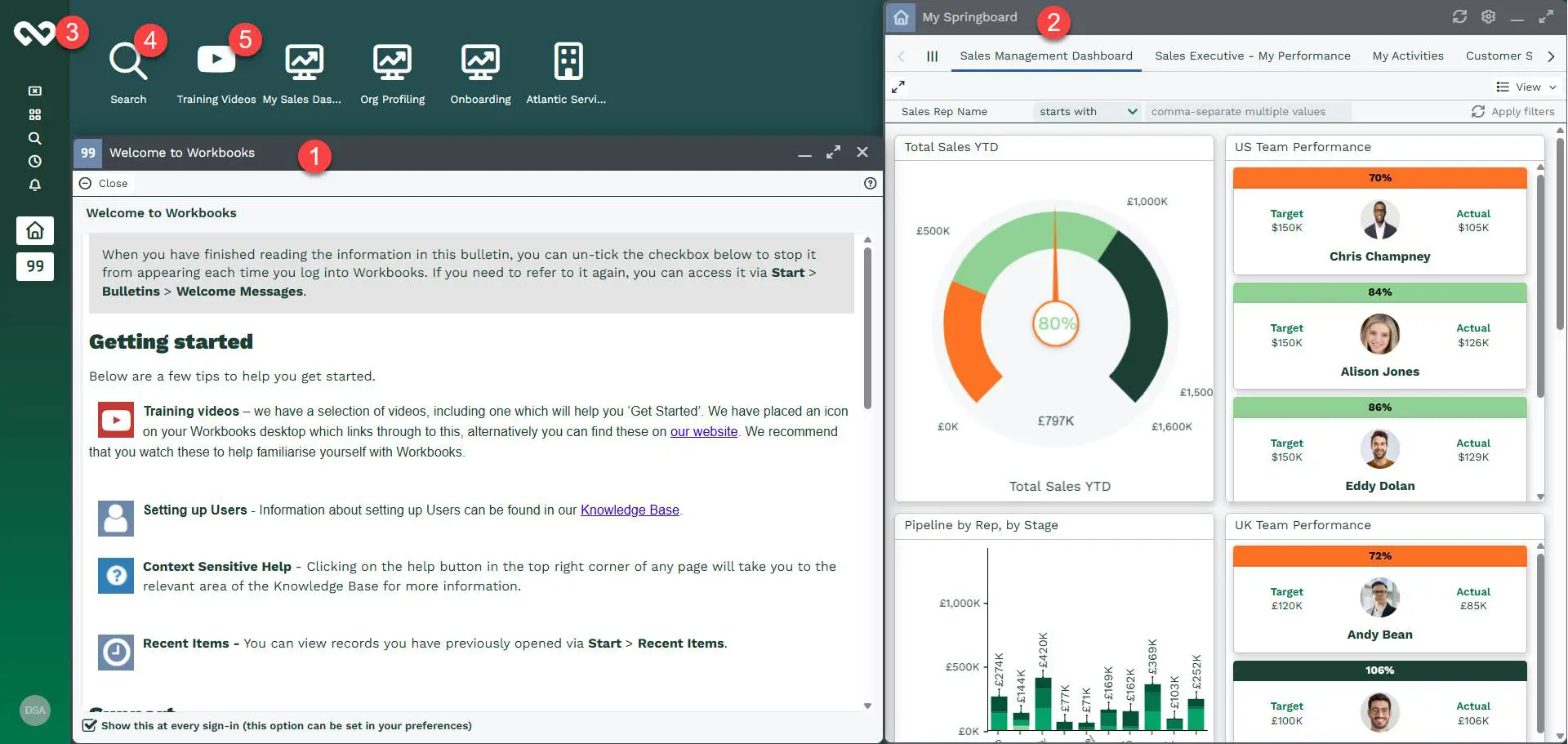
Desktop Environment
Activities
Cases
Email
Forecasts & Quotas
Importing Data
Leads
Marketing
Opportunities
People & Organisations
Reporting
Transaction Documents
Workbooks Glossary
Workbooks Mobile Client
Outlook Connector
Preferences
Auditing
Configuration
Releases & Roadmap
Administrator Service
Support
Tip:
Visit the Forum to put your questions to the Support Team at Workbooks.
Forum Posts
- Linking Outlook and Workbooks
- Why isn't my Organisation form layout applied?
- How do I create a report containing the contact details for all people that work for our customers?
- What does the Advanced Security Extension Provide?
- Changing the Access Permissions of an individual record
- If I change the Mandatory Permissions Ruleset does this update all records
- How do I control access to the Mailing List functionality?
- How do I control the ability to export data?
- Reporting on the Organisations related to Opportunities
- Marking customers as "suspended"
- Duplicate records
- Relationships
- Recommended practice for dealing with accidentally POSTED invoices
- What rules govern the ability to delete a DRAFT invoice?
- Creating Contracts
- Applying discounts to a quotation
- Supplier Orders
- Stage tracking
Welcome to the Knowledge Base. In this area you'll find information on how best to use and configure the Workbooks applications to meet your goals.
If you are the Workbooks System Administrator and are looking for information on how to configure your Workbooks account then you should read the System Administration Guide.
If you are a Workbooks user and want to find out more about the product, then the Knowledge Base should provide you with the answers. You can either navigate the menus in this section, click on a tag or search the entire community site for an answer to your question. If you can't find the answer you're looking for, ask the question in the forum section of the site.
What is Workbooks?
Workbooks is a suite of web-based applications designed for small and mid-size businesses. At its heart is a database of records which allows you to store and report upon your key business information. Our customers typically use Workbooks for:
|
Contact Management |
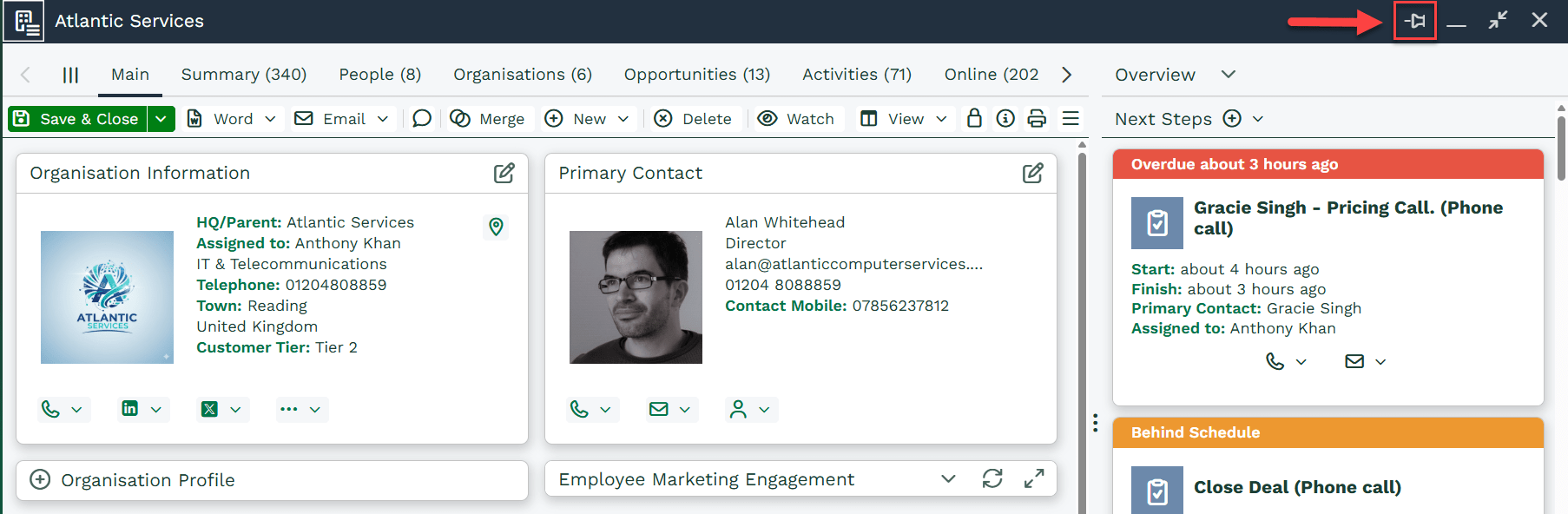
Allowing you to track the Organisations and People you deal with and record Activities, Notes and Email against the right records providing a complete view of your interactions. Workbooks allows you to manage Suppliers and Partners alongside Customers, Prospects and even Competitors giving you a clearer picture of your ecosystem. |
|
Sales Force Automation |
Sales teams benefits from having easy to use, but effective sales management tools, including:
|
|
Marketing Automation |
Marketers are able to leverage powerful tools to execute Marketing Campaigns including:
|
|
Customer Support |
The Workbooks Case Management system allows you to integrate your support teams with the rest of the business. Using Cases support teams can log trouble tickets, assign cases to Queues and Users, set priorities and track the progress of a case. |
|
Order Fulfilment |
Using Workbooks Transaction Documents you can create and track your entire sales order and fulfilment process. Workbooks allows you to create Orders, Invoices, Credit Notes and Supplier Orders quickly and easily in PDF format. |